RSS Push Notifications
Become the Virtual Stunner through RSS feed Push Notification
Become the Virtual Stunner through RSS feed Push Notification
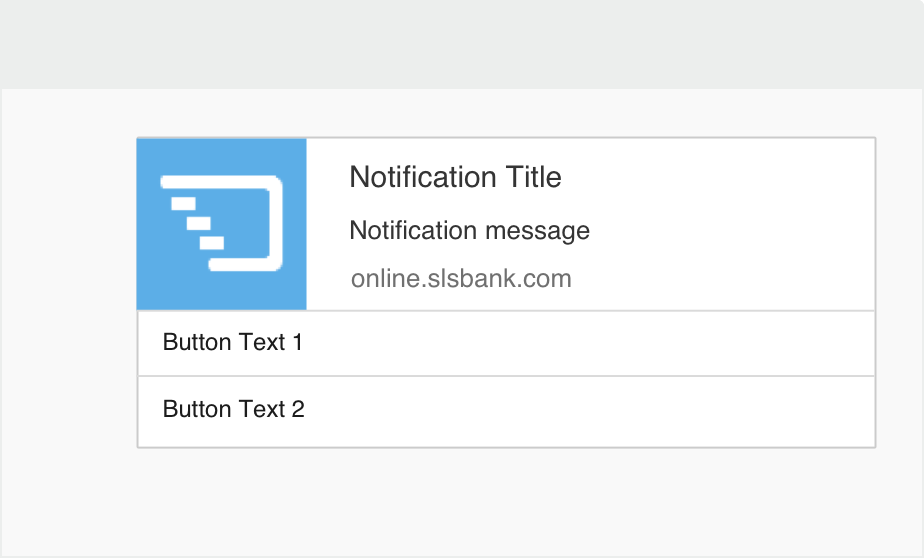
Reap the benefits of RSS Feed with Push notifications by ensuring that your subscribers don’t miss a single post!
 Ease of Automation
Add the oomph factor with RSS-to-push feature. Schedule your RSS Push notifications for a later date and time and as per your audience time zones. It’s impressive!
 Smooth Android Integration
Bring sexy back by adding PushCrew RSS-topush feature. With its smooth interface, send RSS Push Notifications to the Android even when users aren’t on your mobile web browser.
 Make subscribing easy
Simplify the task of subscribing to your website. How? When the opt-in window appears, visitors only need to click “Allow” to get notifications from you.
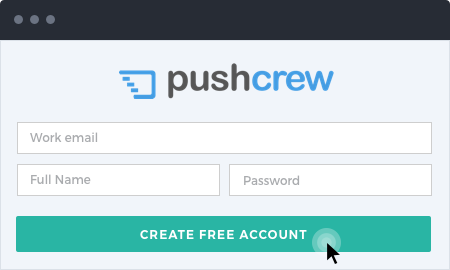
Firstly, create your Free PushCrew Account. Once you’ve created your account, you’ll be directed to the PushCrew dashboard.
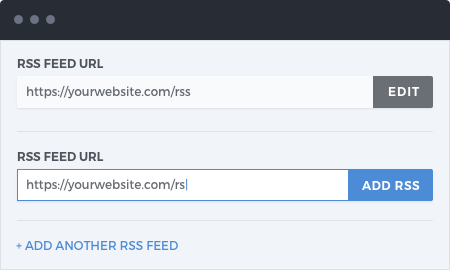
On the left side of the Dashboard panel, you’ll see “RSSto- push”. Click on it, and add your website URL in “Your RSS URL”. If you have more than one website, you can add their URLs’ to “Add another URL” and the likes.
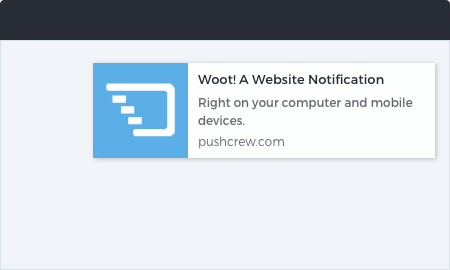
PushCrew will now send Push notifications to your subscribers every time you publish a new post. You don’t need to manually update your subscribers about your post. You can now do more with the saved time.