Push Notifications Plugin for Joomla
Increase your online traffic 3x through Joomla notification plugin
Increase your online traffic 3x through Joomla notification plugin
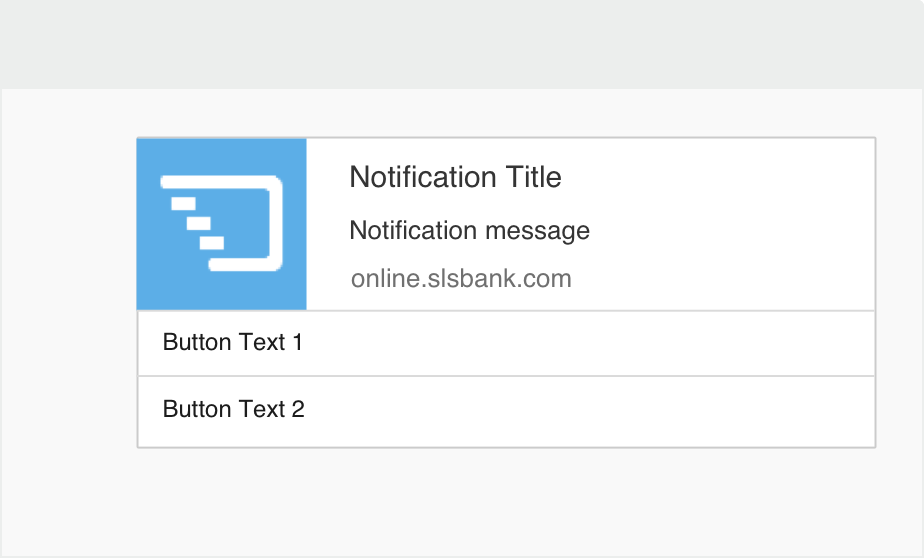
Are you using Joomla platform for your website? We offer you the easiest trick to crack the way to a higher subscriber rate and returning visitors by adding PushCrew Joomla plugin. Take your marketing and communication channel a notch higher and it does not require any extra expertise at all. It’s a child’s play, really.
 Personalize and Automate
Make your subscribers feel cared for by sending them succinct personalized notifications, based on their interests. Schedule your notifications for a later date and time and as per your audience time zones.
 Track User Response
Increase your user engagement by using PushCrew dashboard for important user analysis and other metrics. This will give you a deeper insight on the working of push messaging strategy.
 Easy-peasy installation
PushCrew’s uber-cool Push Notification platform is absolutely easy to set up and will get you going in no time. Follow the simple steps and you can get started in less than 5 minutes. Don’t believe us? Just try for free.
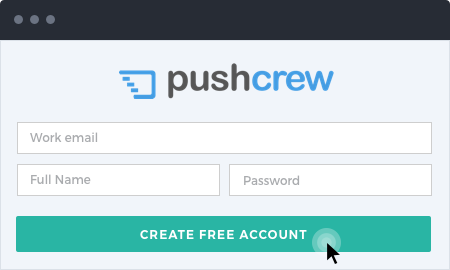
Create your Free PushCrew Account and go to your dashboard. On the left side of the panel, click on “Account Details”. This will display your Account ID.
Log in to your Joomla admin dashboard, and click on “Manage”, under “Extensions”. Now, search for PushCrew in the "Install from Web" search bar, select the plugin and click on Install.
Activate the plugin post installing the PushCrew plugin. For this, head to Extensions, then Plugins and search 'PushCrew'. Select the plugin and change status to 'Enabled'. Now type your Account ID (see Step 1). Lastly, click Save & then Close.
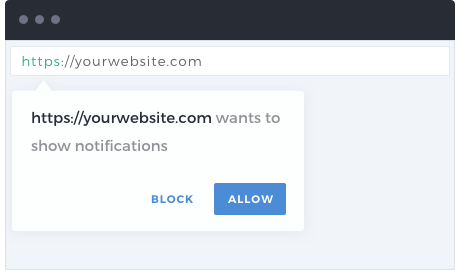
The moment a visitor lands on your website, an opt-in box will pop, asking the visitor to subscribe to push notifications from your website. If the visitor clicks on “Allow”, they are added to your subscriber list. You’ll see the jump in subscriber count on the PushCrew dashboard.
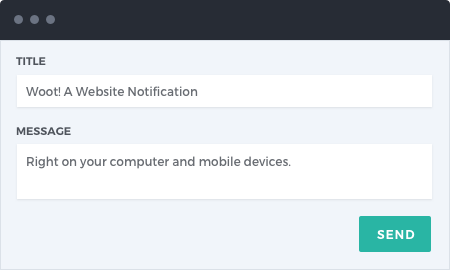
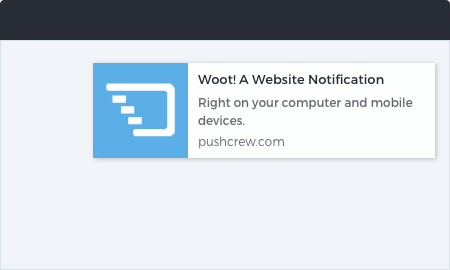
Congratulations! You’ve sent your first Push Notification! Your subscribers will see the push notification in real time. Track the push notification deliveries, click rate and other metrics on your dashboard.