Wordpress Push Notifications Plugin
Attract staggering traffic to your Website through our Wordpress Notifications Plugin
Attract staggering traffic to your Website through our Wordpress Notifications Plugin
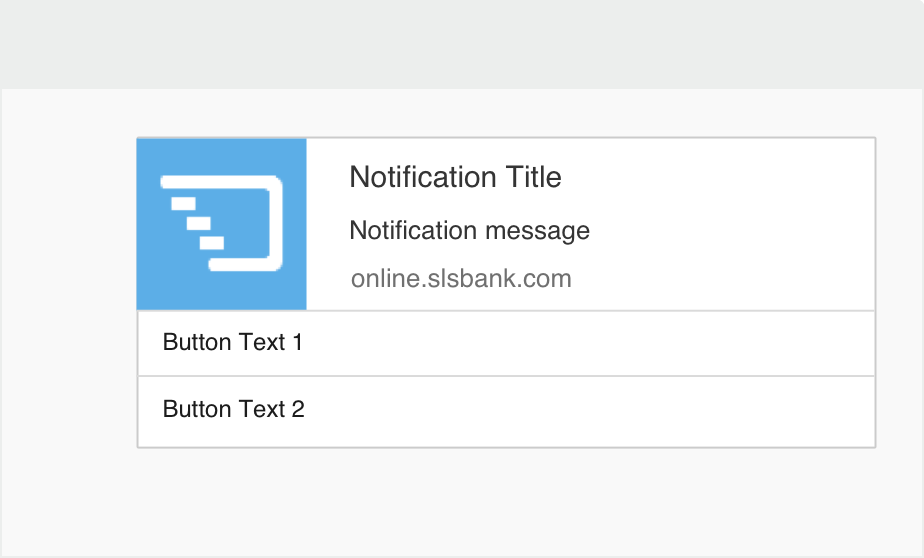
The marketing technique keeps advancing and you have to ensure you are not left behind in this rat-race. Push notification services are the latest addition to the communication model. Popular websites, including LinkedIn, Twitter and many more use push notifications to send real-time updates and communication to its users. This attracts the user's’ attention. Research shows that Push notifications have a higher click rate of over 25% as compared to E-mail or text messaging. PushCrew Push Messaging powerfully engages your audience and increase return visitors.
 Automate Push Notifications
Tired of manually sending notifications across the globe? Fret not, for PushCrew empowers you with the option of automating and scheduling your notifications for a later date and time.
 Tailor-made messages
We understand the art of customizing the communication to suit your diverse audiences’ needs. And so, you can add a personal touch to your Push Notifications to stay appealing.
 Powerful metrics
Sending manual notifications across the globe is consuming all your time and giving you sleepless nights? Fret not, just schedule your notifications for a later date and time.
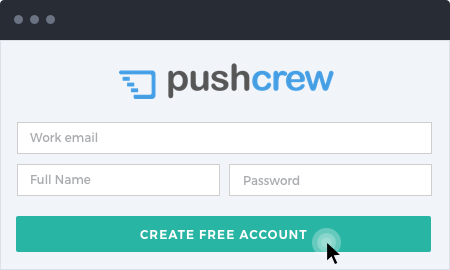
Create your Free PushCrew Account. Then, on your Dashboard, Click on the “Account Details” on the left of the screen and you’ll see your Account ID.
Log in to your Wordpress dashboard and go to Plugins. Click on “Add New” on the left side. Now search for PushCrew in the search bar, select the plugin and click on “Install Now”. You’ve now installed PushCrew on your Wordpress website. (If you want to download the plugin files directly, go to the Wordpress plugin page.)
Once you’ve installed the PushCrew plugin, you will be prompted to start the plugin. After doing so, go to Settings, click on PushCrew and type your Account ID (Refer to Step 1). You’re ready to use PushCrew.
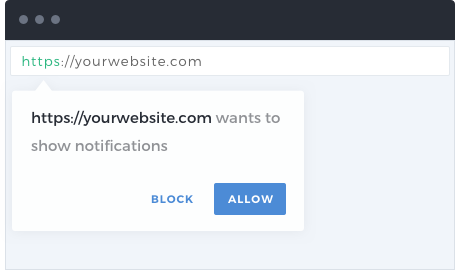
The moment there’s a visitor on your website, an opt-in box will appear. If the visitor clicks on “Allow”, they will automatically get added to your subscriber list. You can personalize the opt-in message and the time after which the opt-in box appears.
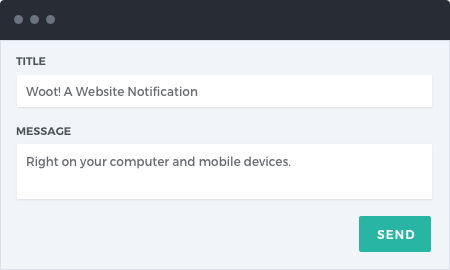
You’re set to send your first notification! Just log in to your PushCrew dashboard, compose a title and a crisp message for the push notification and hit send! Very easy!
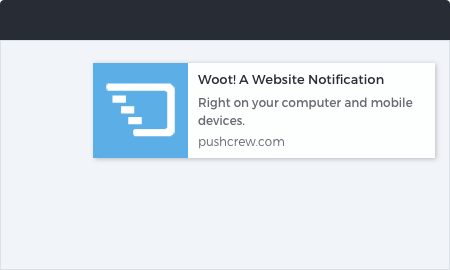
Your visitors will see the push notification in real-time. You can track the number of push notifications delivered, the click-rate and many other metrics on your PushCrew dashboard.