
Push Notification for your Business Websites
Amazing Features to enhance your Marketing Communication Channel
Amazing Features to enhance your Marketing Communication Channel
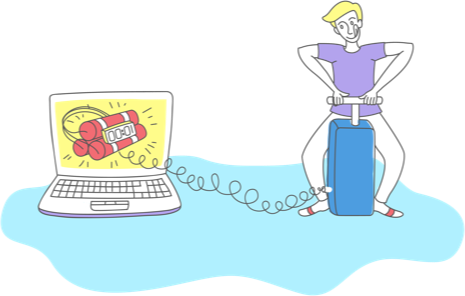
Set your notifications for a time of your choice. For example, if you know when your audience is most active, you can simply schedule a notification for that time. This means that your audience see the notification more, click on it more, engage with it more, and you get more traffic!
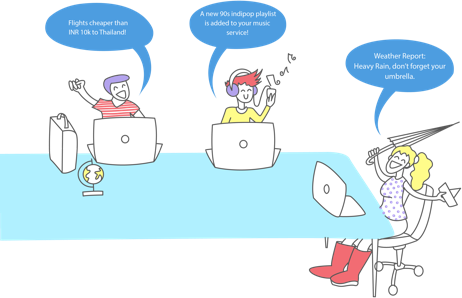
To help you implement sophisticated use-cases, for example, sending particular notifications to an individual, mapping your internal data about your audience with their PushCrew IDs to send contextual communications, and much more, two powerful APIs.
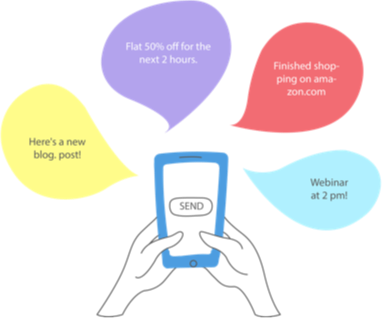
Group your audience into various segments, so you can send them targeted notifications. For example, you can divide your audience based on geography, interests, or anything at all, and then send them customized notifications.
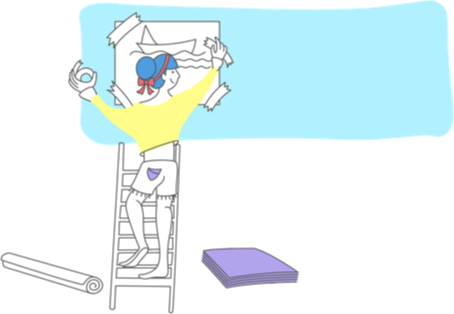
We all know engagement increases when there is an image involved. And especially in push notifications, wouldn’t they do so five-fold? Yes! The crew’s got you covered there. Add context to your notifications with custom images.
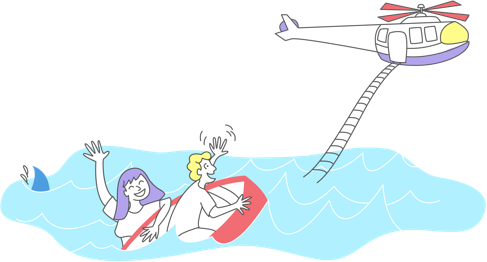
Our world class support team will help you with your queries on email and Skype. However, if you’re facing an issue that you can’t seem to resolve, the crew will be glad to schedule a video call, or a TeamViewer session so the issue can be resolved real-time.
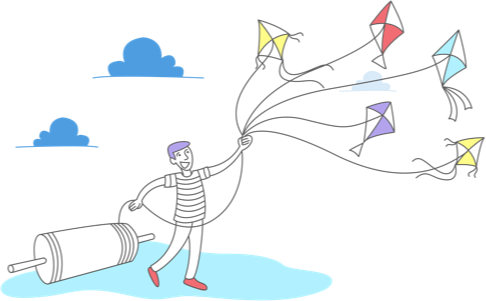
Do you have multiple websites, and do multiple people need access to the platform? No problem. PushCrew supports multiple websites and multiple users in a single account, so you can use PushCrew easily, and make sure your site visitors vare always engaged.
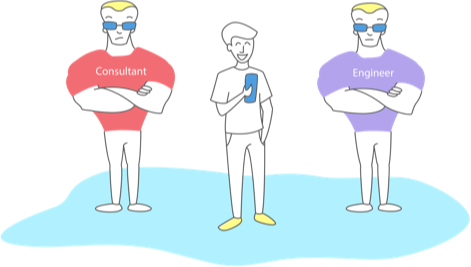
SEnterprise accounts get a notification consultant who’ll help devise a push notifications strategy for your business. The implementation engineer will help you with all things tech. Facing an issue, or want to implement a use- case with the APIs?